
Account Deletion guide
Account Deletion Request
Please select how you would like to delete your account:
Request Deletion Online:
Use this form if you have already uninstalled the app. We will verify your registered phone number and process the deletion.
Use this form if you have already uninstalled the app. We will verify your registered phone number and process the deletion.
Delete directly from the App
If you have the app installed, this is the fastest way to delete your data.
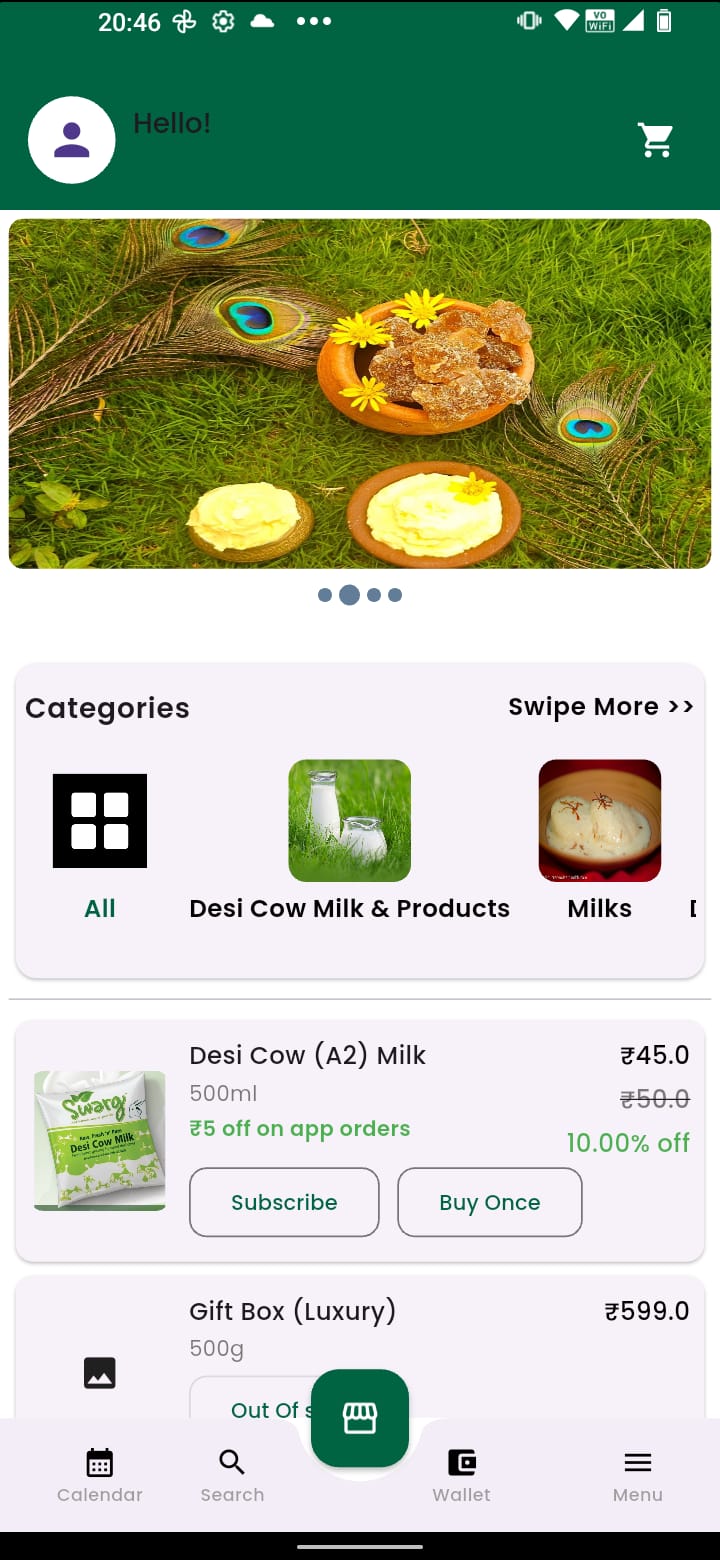
1. Tap Profile Icon (Top Right)
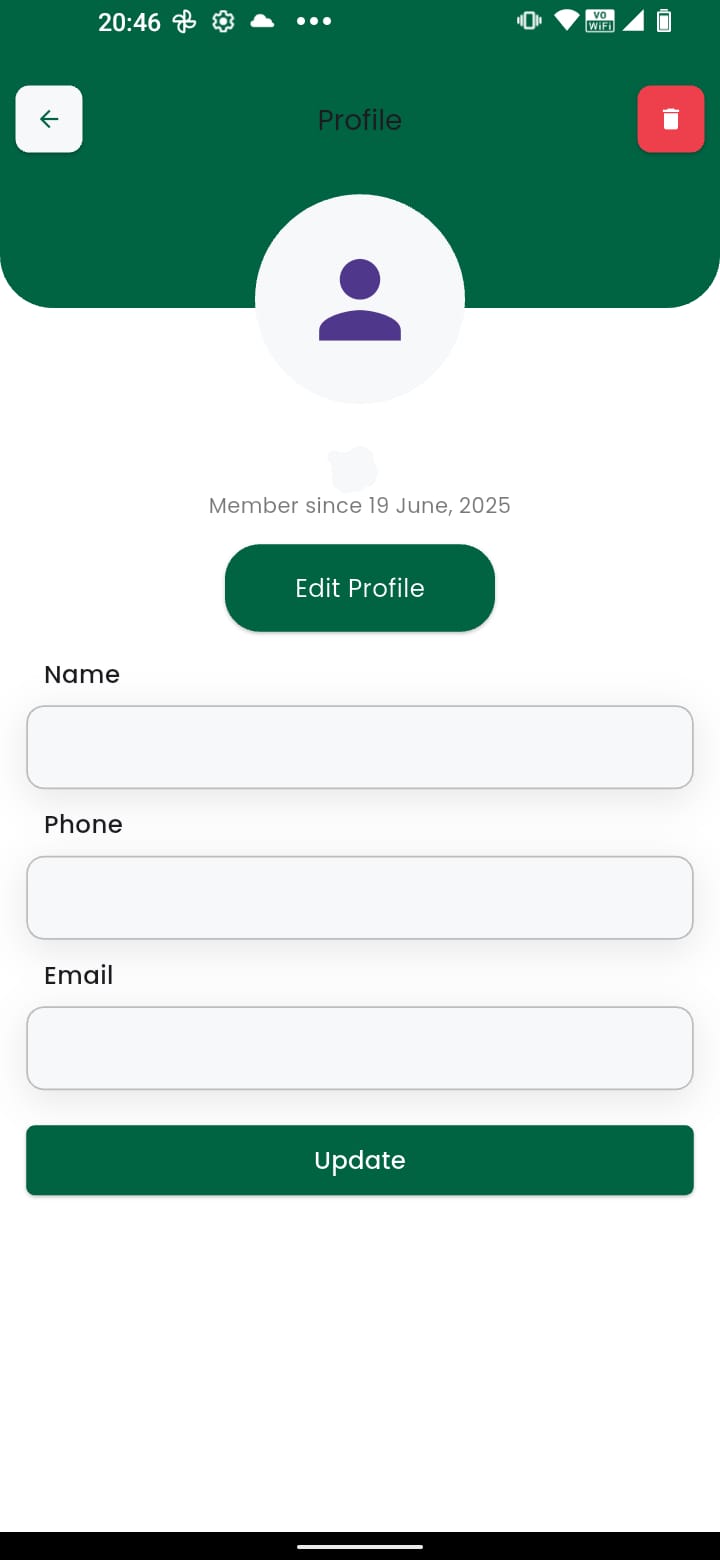
2. Select Account Settings
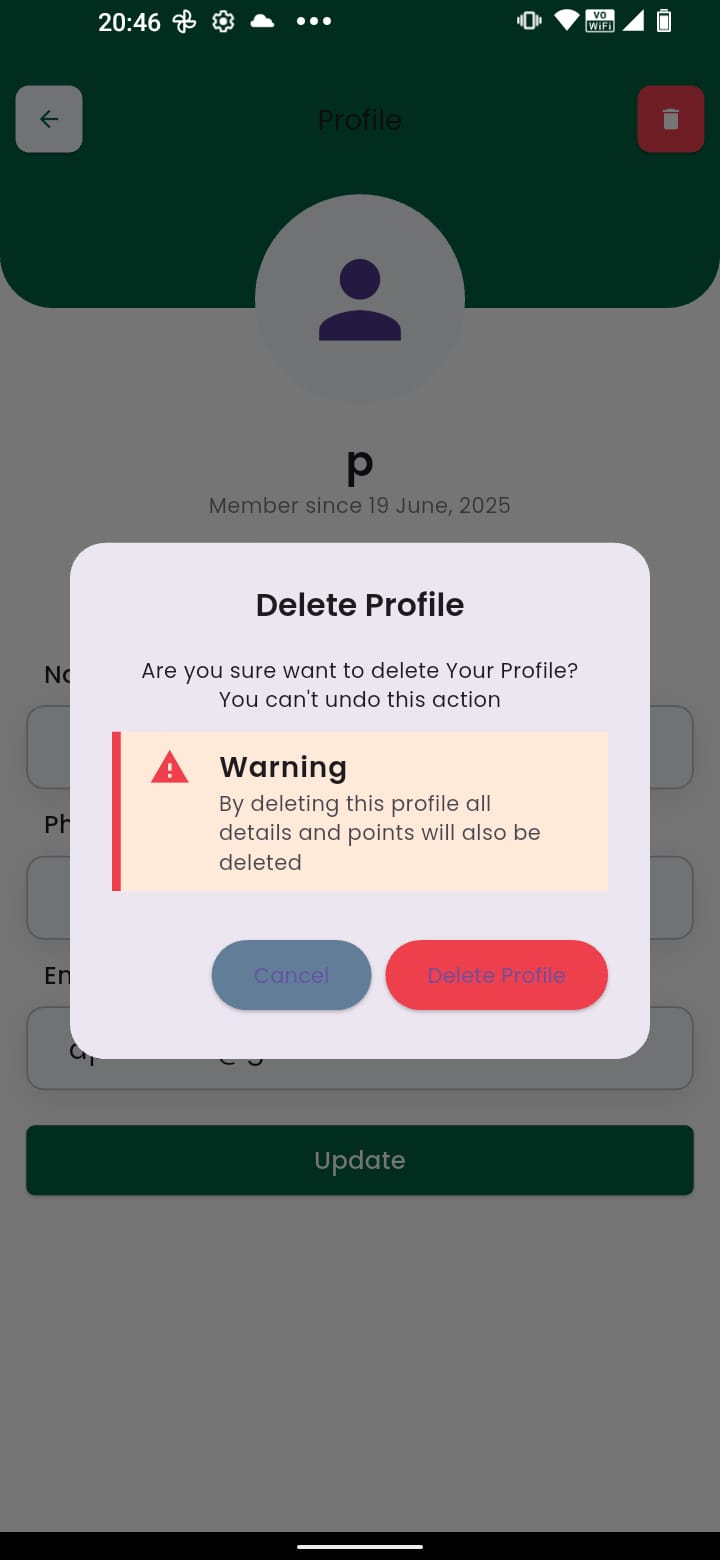
3. Tap Delete Account
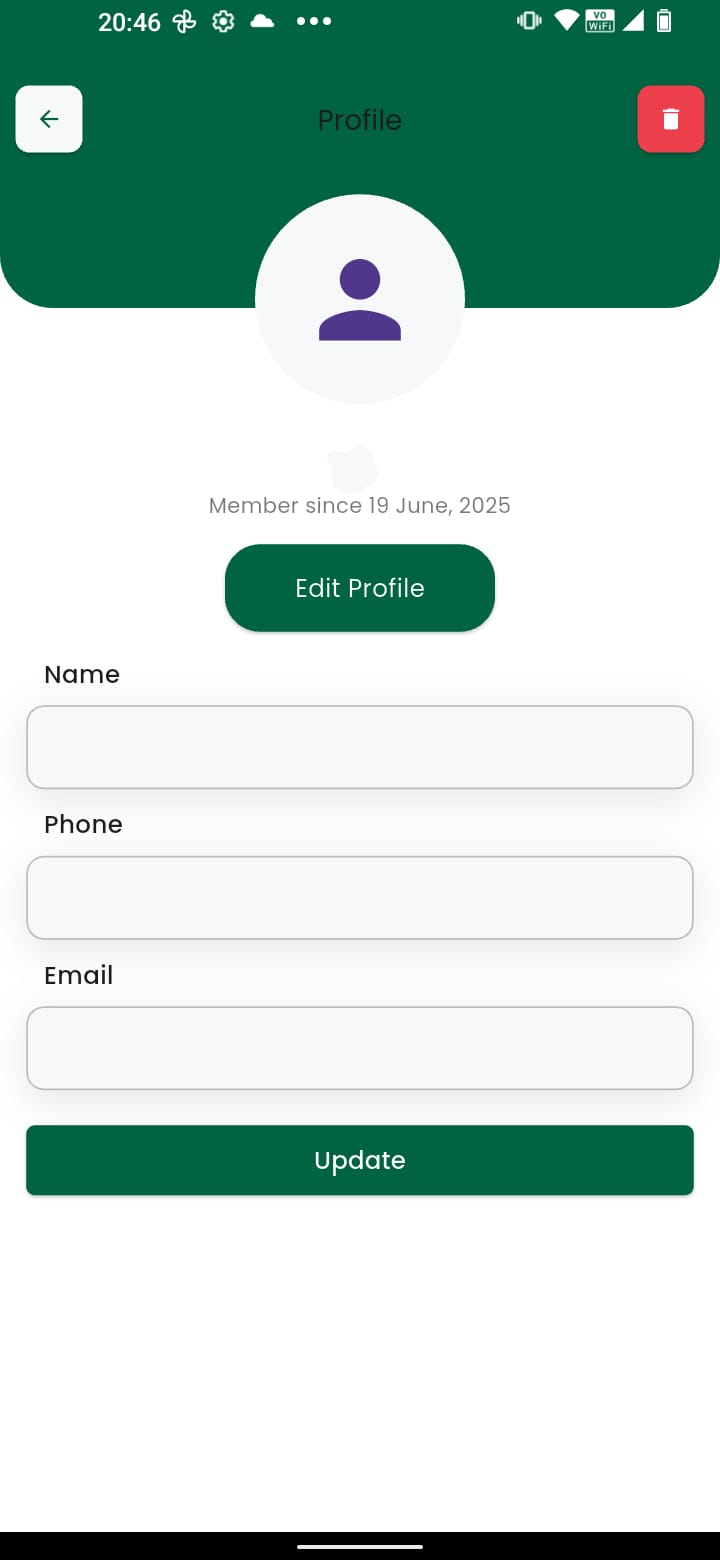
4. Click Delete to Confirm
Data Deletion & Retention Policy
Effect of Deletion:
Once confirmed, your account is permanently deactivated. This action is irreversible.
Data that will be deleted:
- Personal Identity: Name, Phone Number, Email, and saved addresses.
- Wallet Funds: Any unused balance in your Swarg Wallet will be forfeited.
- Subscriptions: Active milk/food subscriptions will be cancelled immediately.
Data that will be retained:
- Invoices & Transaction Logs: We retain financial transaction history for 5 years strictly for tax compliance and auditing purposes (as required by Indian Law).
Timeframe:
Account access is revoked immediately. Complete removal of personal data from active servers is completed within 90 days.


